
Need
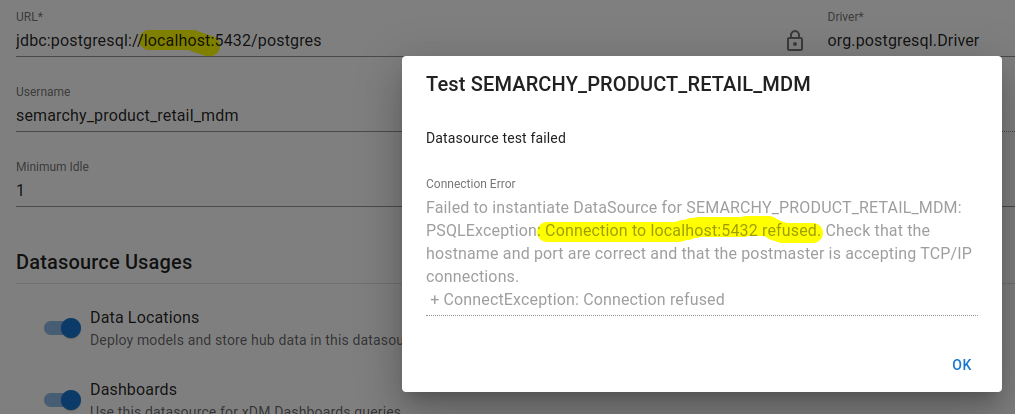
When the semarchy application is built from Docker, it cannot access the database through localhost as usual, as the localhost of the container is not the localhost of the server/computer.
Summarized Solution
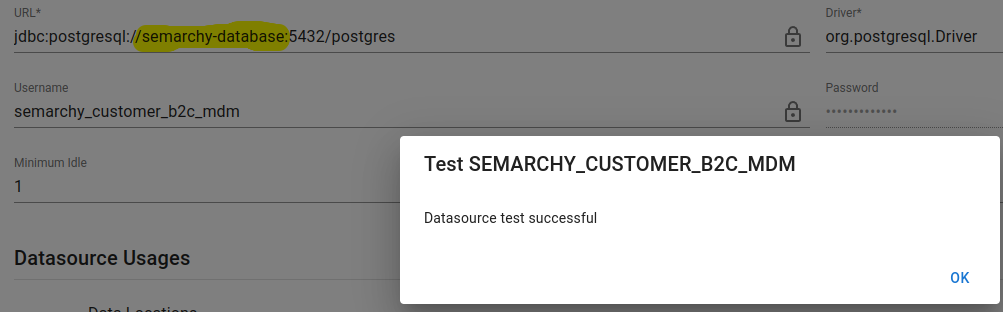
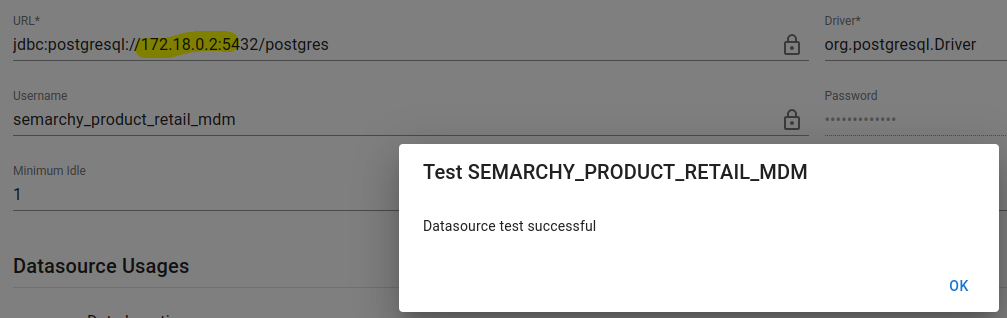
To connect to the database from the Semarchy container, you need to provide either the service name as defined in the docker-compose.yml file, or the IP address of the database (or the IP address of its own container).
Detailed Solution
You can either do so, with the service name: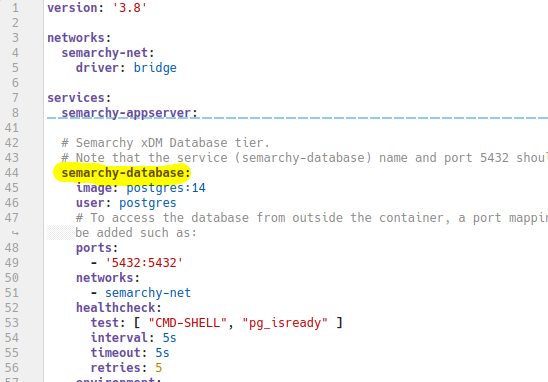
Or with the IP Address of the database (containerized):

Notes:
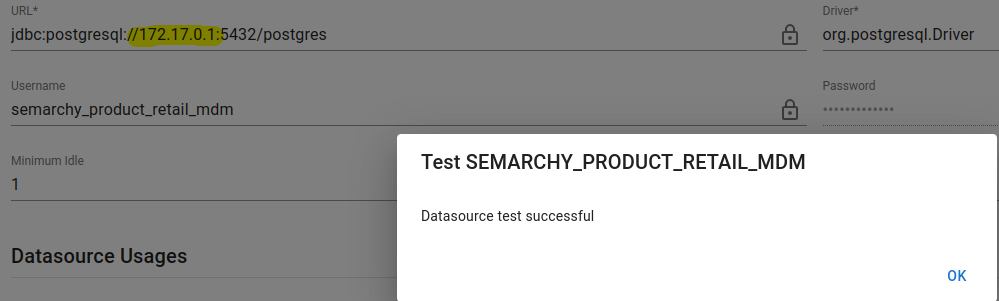
- If the database is itself containerized, to reach the host localhost from a container, you can also use host.docker.internal on Windows if the DB is located on premise, or the static IP 172.17.0.1 on linux.
- If the database is containerized but not the Semarchy application, the application will be able to access to localhost without any trouble (make sure to forward the databases ports).